Slack: the game where your team talks
The boards are where the season lives; Slack is where your team already is. Connect a channel and Grit Board posts the moments worth interrupting for — weekly standings every Monday, plus the big plays as they land. Setup is one webhook URL, and everything posted is celebration or scoreboard: no nagging, no per-rep call-outs for being behind.
01Connecting
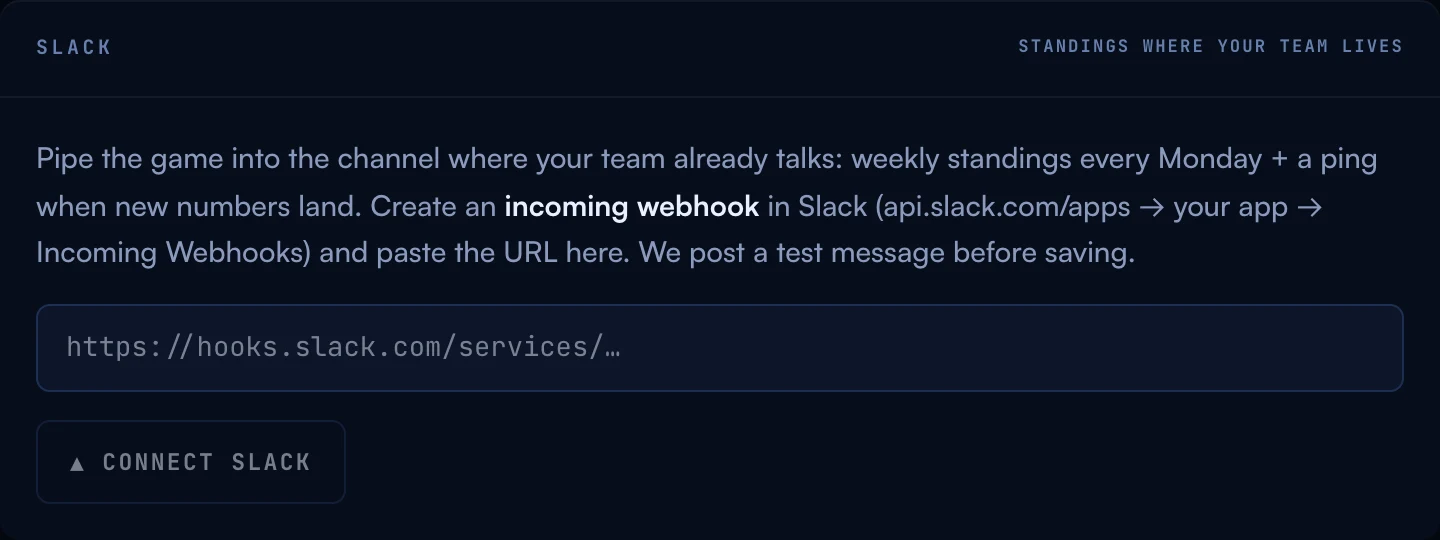
- Create an incoming webhook in Slack. Go to api.slack.com/apps, create (or open) an app for your workspace, enable Incoming Webhooks, and add one pointed at the channel you want — your sales channel, or a dedicated #the-arena.
- Paste the URL under Account → Slack and hit Connect. Grit Board posts a test message to the channel before saving — if the test can’t deliver, nothing is stored. The URL itself is treated as a secret: it’s never shown again and never sent back to the browser.
02What gets posted
- WEEKLY STANDINGS Every Monday: the leaderboard summary in your channel — the ritual the whole integration exists for.
- NEW NUMBERS A ping when fresh data lands on the boards (a CSV import or CRM sync), with a note when the upload minted Grit Coin.
- BOSS MILESTONES Boss down (with the MVP), half HP, and the final-phase call at 25% — the Boss Fight’s big moments, announced.
- LEVEL-UPS A rep clears a Climb level: their name, the level, and the unlock.
- BOUNTY CLAIMED Who landed the bounty and what it paid.
- DRAFT NIGHT The League’s draft recap — every squad, every pick.
Deliberately not posted: props (they’re high-frequency and belong on their board, not in everyone’s notifications) and anything that would shame an individual rep. The channel gets wins and the scoreboard; coaching stays off Slack.
03Disconnecting & troubleshooting
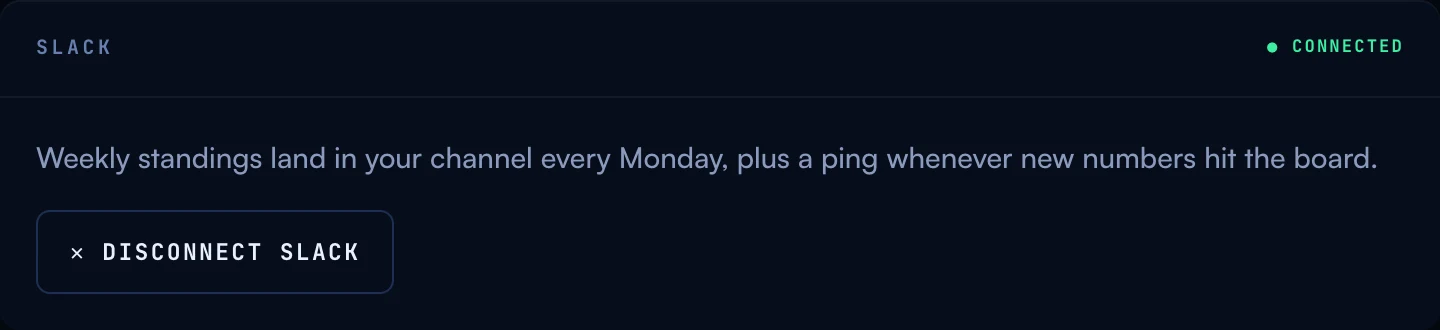
To disconnect: hit Disconnect in the panel — the webhook URL is deleted immediately. Removing the webhook (or the app) on Slack’s side works too.
If the panel says “NEEDS RECONNECT”: Slack rejected the last post — usually because the webhook was removed or its channel was archived. Grit Board notices the first time a post bounces and says so instead of pretending; nothing else breaks, and the boards keep running. Create a fresh webhook and connect again.
“Posts stopped but the panel says connected.” Check the channel itself — a renamed channel keeps working, but a muted or archived one is easy to forget. If the channel is fine, remember most posts ride on data: no imports or syncs, no “new numbers” pings, and boss/level moments only fire when the numbers actually cross them.
More questions? Write to hello@gritboard.io — a human reads it.