TV mode: put it on the wall
TV mode is the arena built for a mounted screen: full-bleed, no menus, type readable from across the room, rotating through every board that has something to show. It runs in a browser — any browser — so there’s no hardware to buy, no app to install, and no per-screen fee. This is deliberately the shortest page in these docs.
01Turning it on
- On the screen’s browser — a smart TV’s built-in browser, a streaming stick, or a spare laptop on HDMI — go to app.gritboard.io and sign in (the magic link works on any device).
- Hit TV MODE at the bottom of the sidebar. That’s it — the show starts.
One tip for a shared screen: sign the TV in with an invited player account rather than the owner account. Players see everything and can change nothing — exactly right for a screen anyone can reach. The ✕ in the corner exits back to the normal app.
02What it shows
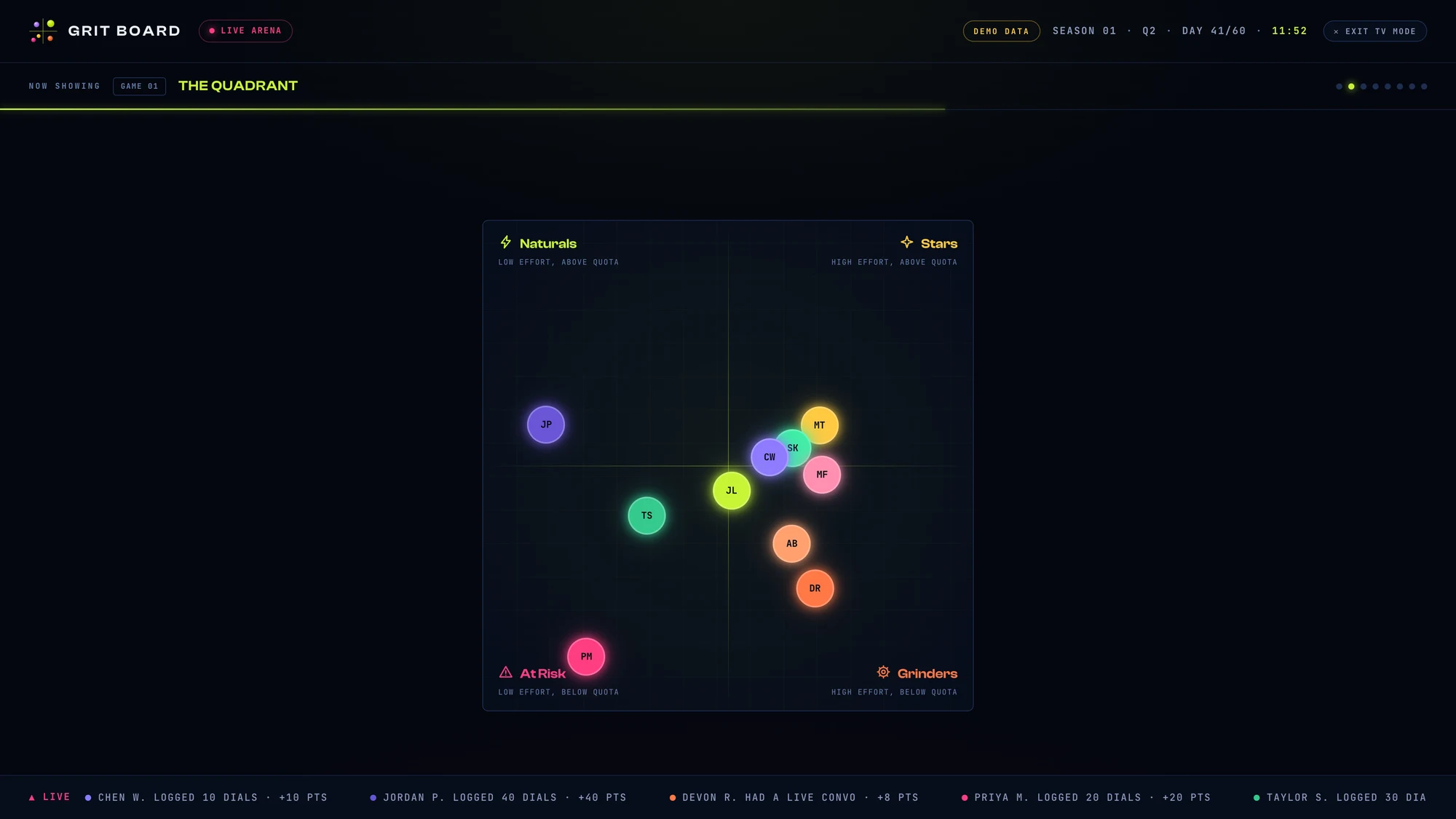
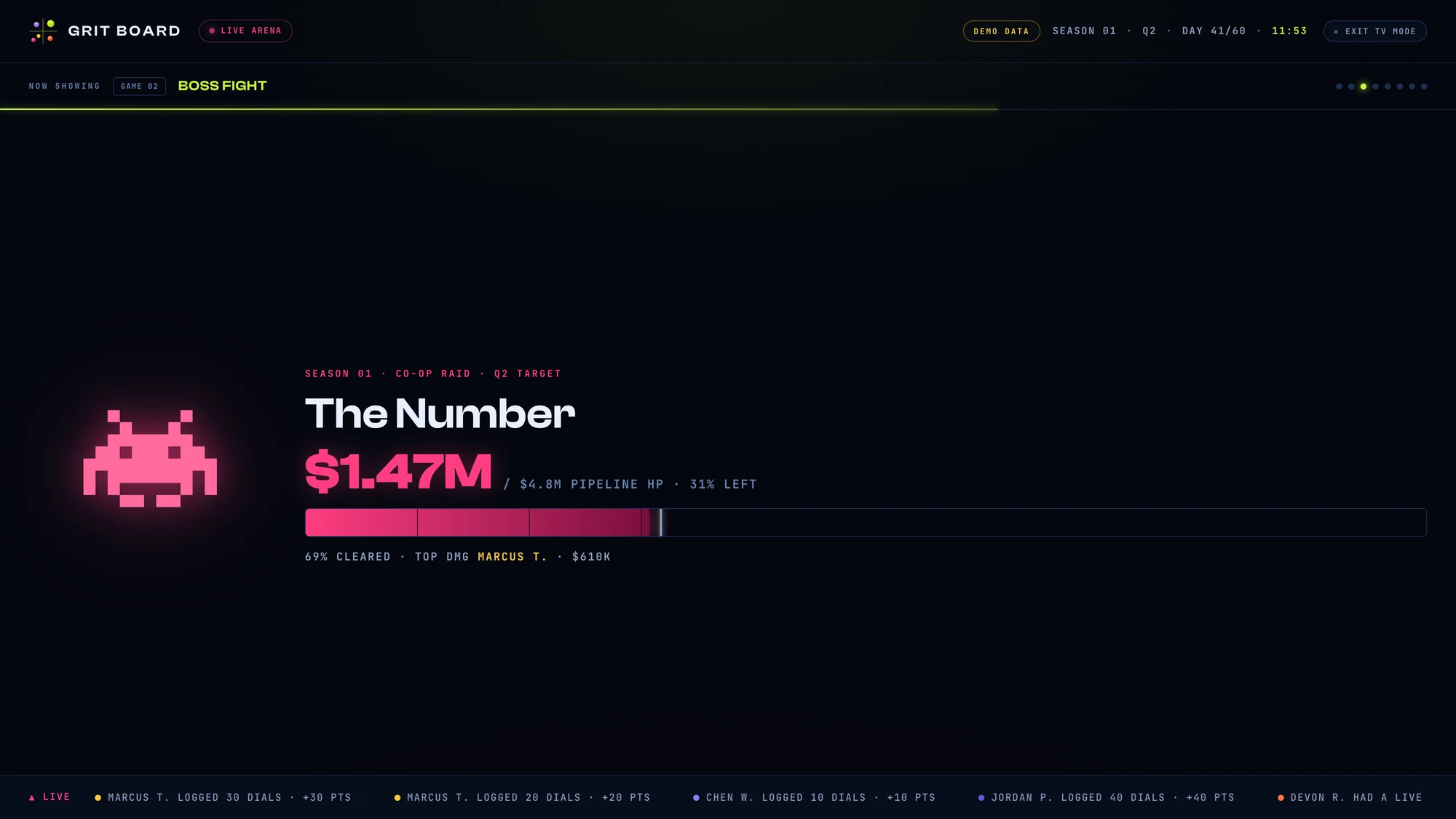
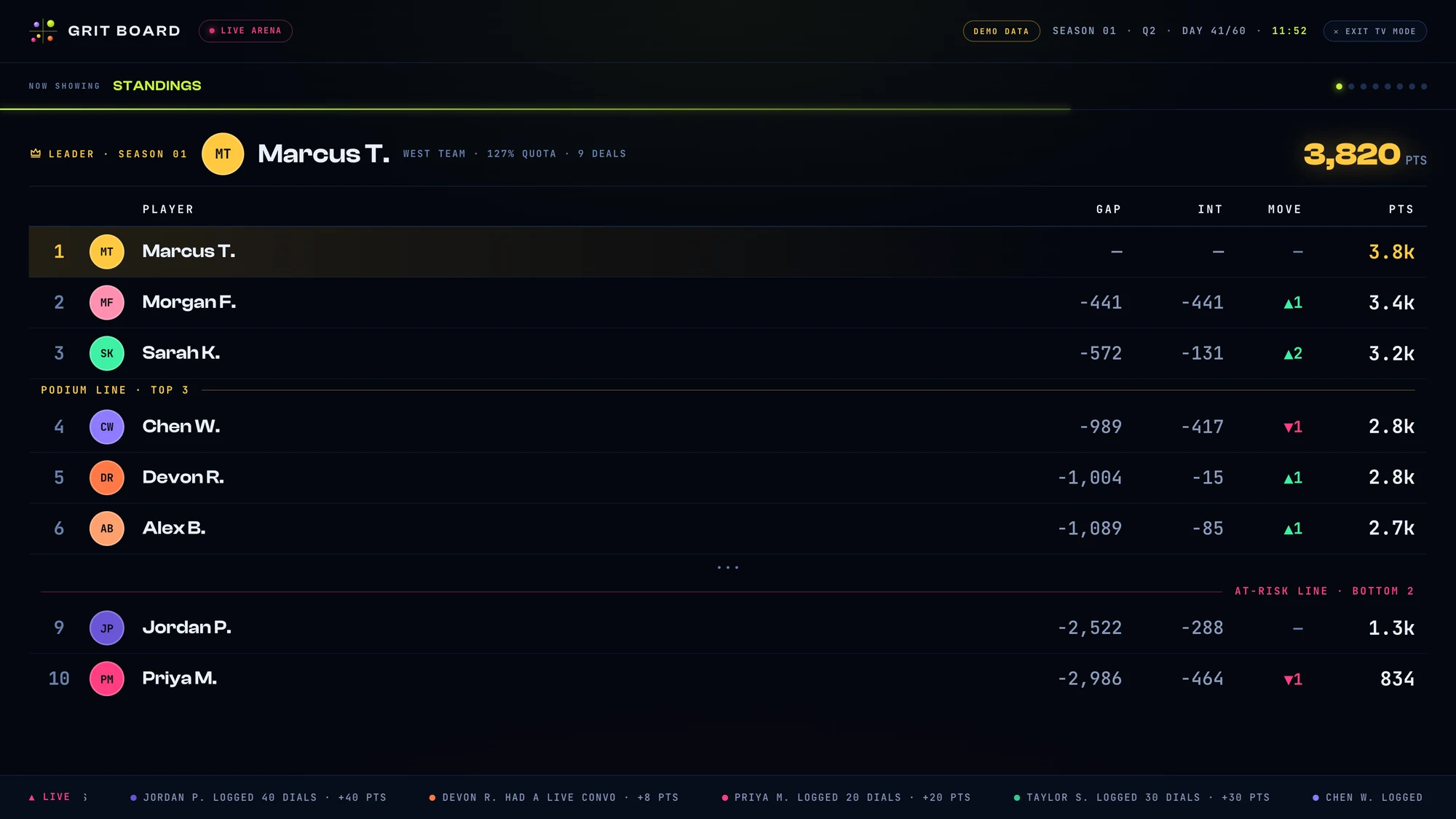
The rotation runs Standings plus every game your team is actually playing, a few seconds per scene, with the live ticker running along the bottom throughout. A board only joins the rotation when it has something real to show — no drafted League, no League scene — so the wall never dwells on an empty screen. The dots in the top corner show where you are in the loop.
03Common questions
“Does it update on its own?” Yes — the scenes render the same live season data as the app, so the wall is current whenever the data is (each CSV import or CRM sync). Leave it running; there’s nothing to refresh.
“Can I show just one board?” The rotation is the design — a wall screen earns its spot by giving everyone their moment. If you want a single board on screen, open that board’s page in the normal app and full-screen the browser.
“It says ‘Built for the big screen.’” That’s the phone gate — TV mode needs at least tablet width to be readable, so phones get pointed back to the regular boards instead of an unreadable squeeze.
More questions? Write to hello@gritboard.io — a human reads it.