Getting started
Grit Board goes from signup to a live board in one sitting — no sales call, no onboarding meeting, no consultant. Here’s the whole path: five steps, and only one of them (your roster file) takes more than a minute. Free covers up to 5 players, no credit card.
01Sign in — no password
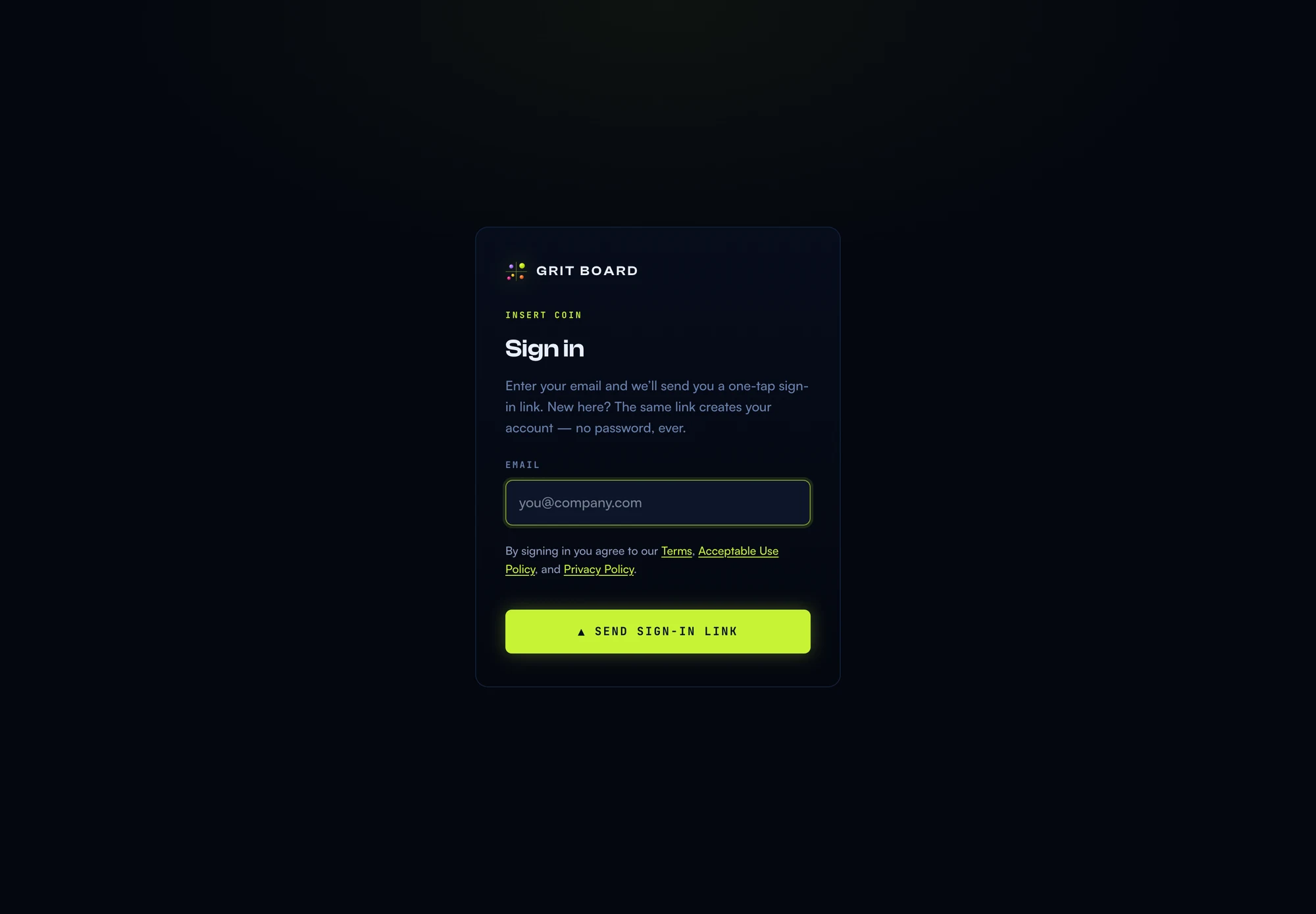
Go to app.gritboard.io, enter your work email, and click the sign-in link that lands in your inbox. There is no password to invent or forget — the link is the login. Your first sign-in creates your team’s workspace automatically.
02Meet the demo season
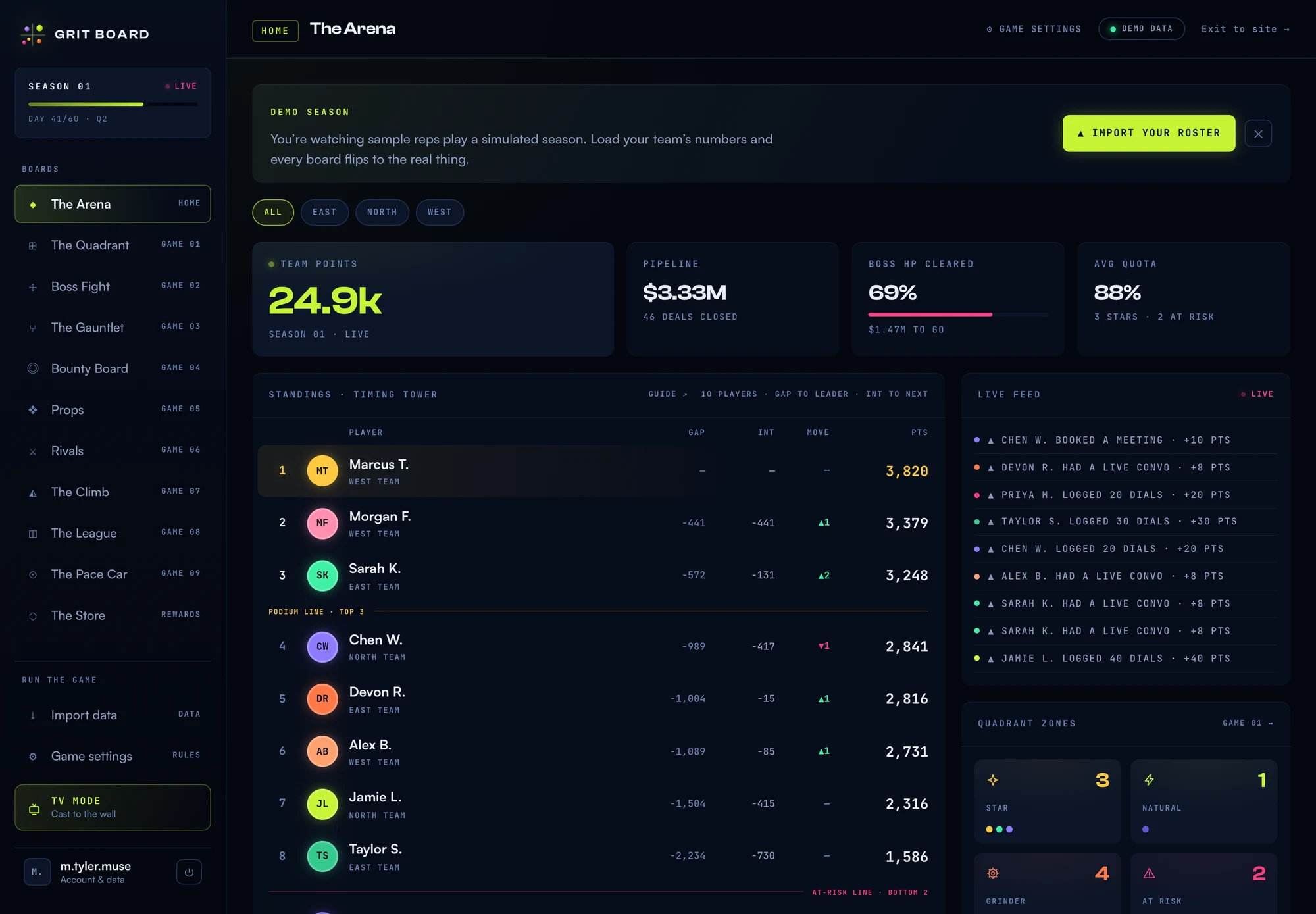
You land in a running arena, not an empty dashboard. Ten sample reps are mid-season across all nine games — click through every board, watch the feed tick, get a feel for what your team will see. The banner up top says exactly what’s happening: you’re watching sample reps play a simulated season. Nothing here is your data yet.
03Import your roster
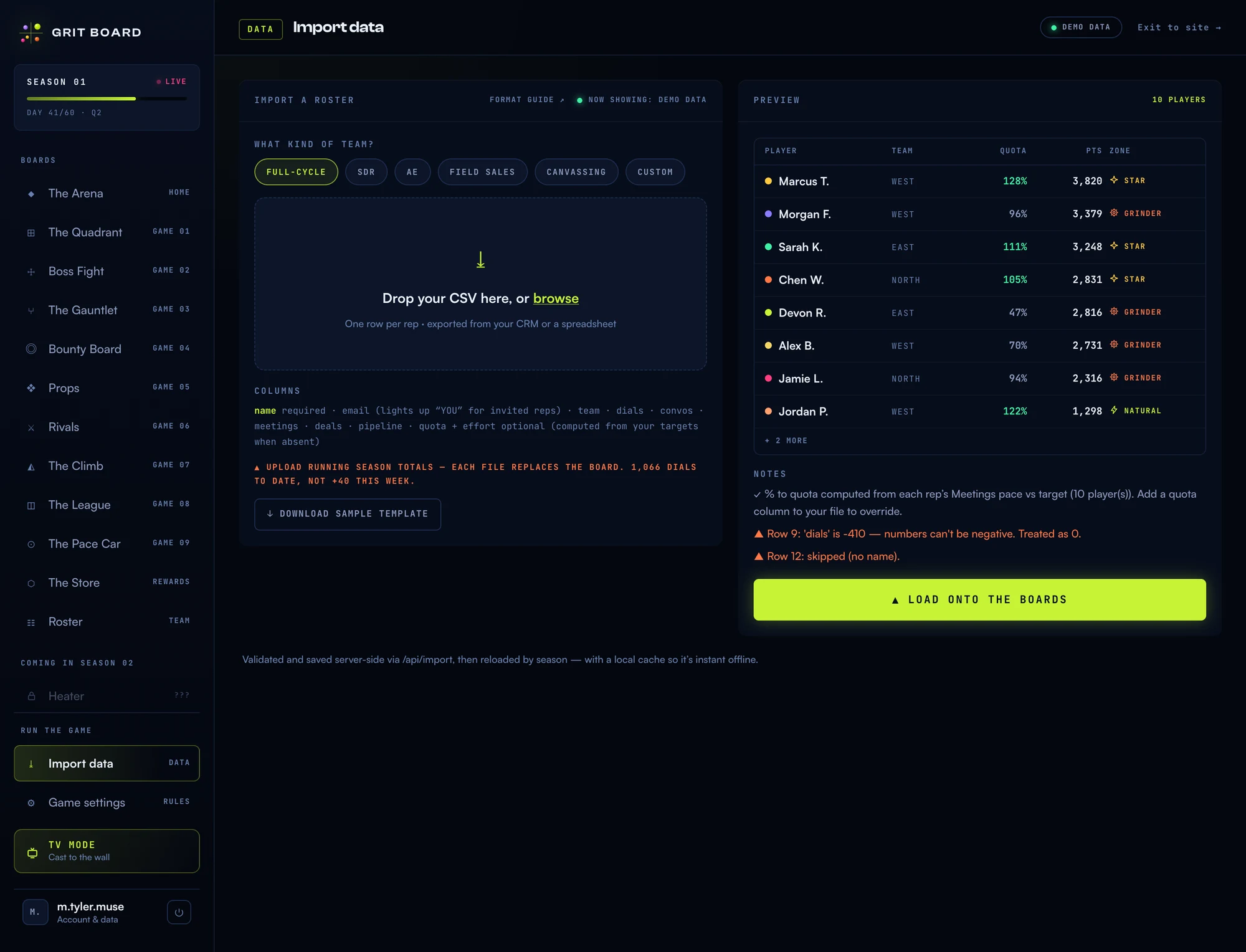
Hit Import your roster (or Import data in the sidebar). Pick your team type — SDR, AE, full-cycle, field, canvassing — and drop a CSV with one row per rep. Column names are forgiving, a sample template is one click away, and the full format lives in the CSV import reference. Review the preview, hit Load onto the boards, and every board flips from demo to your team.
Connecting a CRM instead? Head to Settings → CRM sync — the sync fills the same boards from the activity your reps already log.
04Set the clock and the targets
Open Game settings. On the Season setup card, pick your team type and your season window (month or quarter) with its real start date. Then, on the Metrics card, tap the QUOTA chip onto whichever metric is each rep’s number and give that row a pace. Your team type preset fills in sensible defaults for everything else — most teams only touch the start date. It matters more than it looks: effort and quota measure pace over the days since the start, so a wrong date reads the whole team too hot or too cold.
05Invite your reps
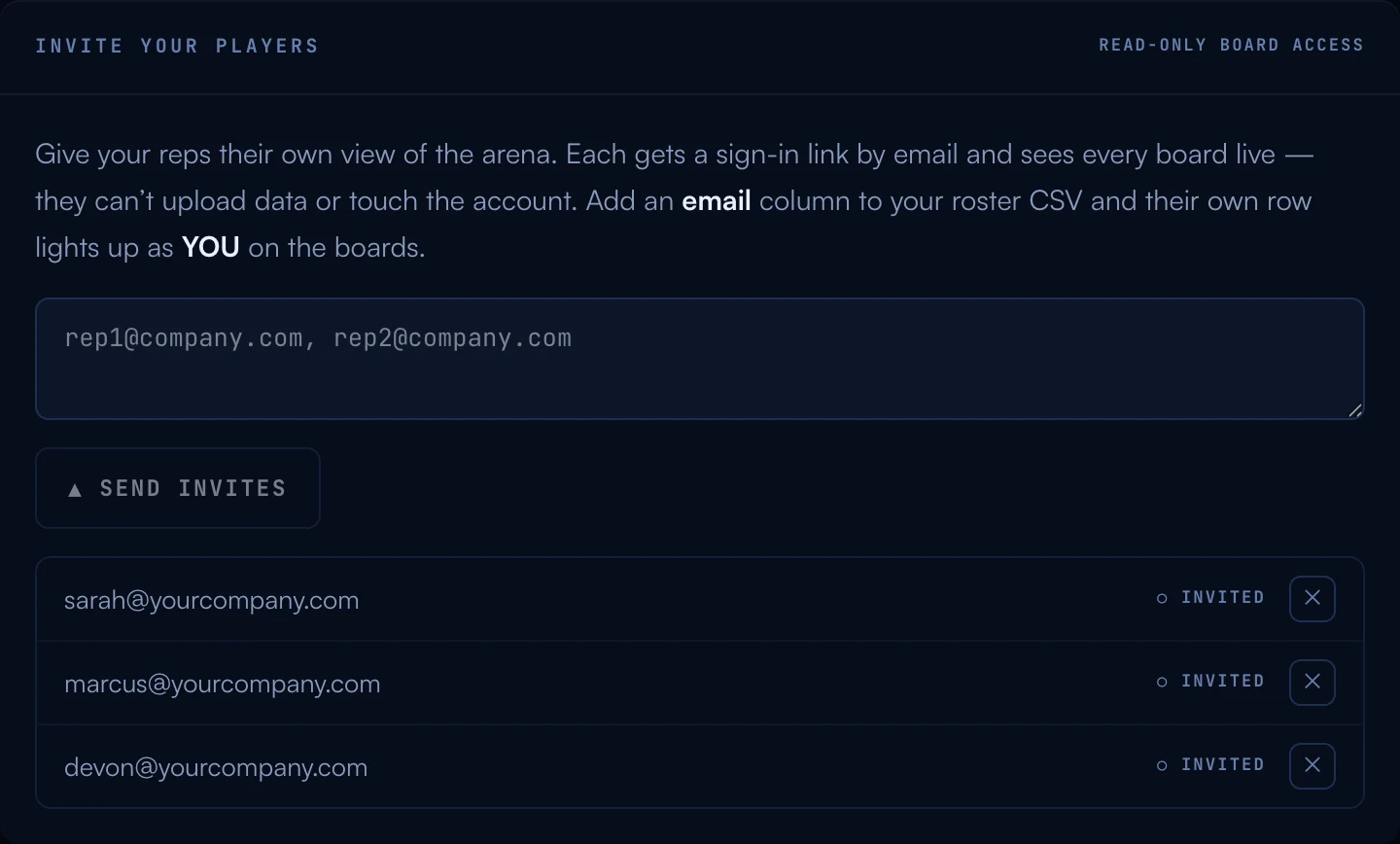
Under Account → Invite your players, paste your reps’ emails and hit send. Each rep gets the same magic-link sign-in and sees every board live — read-only: players can’t upload data or touch the account. If those same emails are in your roster CSV, each rep’s own row lights up as YOU everywhere, which is half the fun.
06Put it on the wall
Two switches turn a tool into an arena:
- TV mode. Hit TV MODE in the sidebar and open the board on any screen with a browser — the office TV, a spare monitor. No hardware, no app, no dongle.
- Slack. Connect your team channel under Account and the big moments — boss kills, level-ups, milestones — announce themselves where the team already talks.
From here, the rhythm is simple: upload fresh numbers (or let the CRM sync do it), and the season runs itself. Wondering how a specific game works? Every board has a RULES ↗ link, or start with The Quadrant.
07When the season ends
The clock runs out, the board freezes where it stood, and the sidebar badge flips from LIVE to FINAL. The next time you open the arena, the season ceremony plays once — the final standings, the podium, what each rep keeps.
To open the next one, go to Game settings → Season setup and hit Start Season 02. It carries your roster, your rules, your boss target and every Grit Coin wallet, and starts a fresh clock of the same length from today. Season 01 keeps its record — its totals, brackets and history stay exactly as they closed. Two things to know: open bounties close with the old season, and boards read zero until your first upload (a CRM syncs the new window right away). You can also start the next season early from the same card if you need to reset mid-window.
08Common questions
“How long does this actually take?” Sign-in to live boards is typically under ten minutes, and most of that is exporting the CSV from your CRM. The demo season means the product is explorable before you commit a single number.
“What does it cost to start?” Free for up to 5 players — no credit card, no trial clock. Bigger teams pick a flat plan (never per-seat) when they’re ready.
“Do my reps need accounts?” Only if you want them checking the boards themselves (you do — that’s the game). Until then, the boards work fine with just you signed in, or on the office TV.
More questions? Write to hello@gritboard.io — a human reads it.